OverView
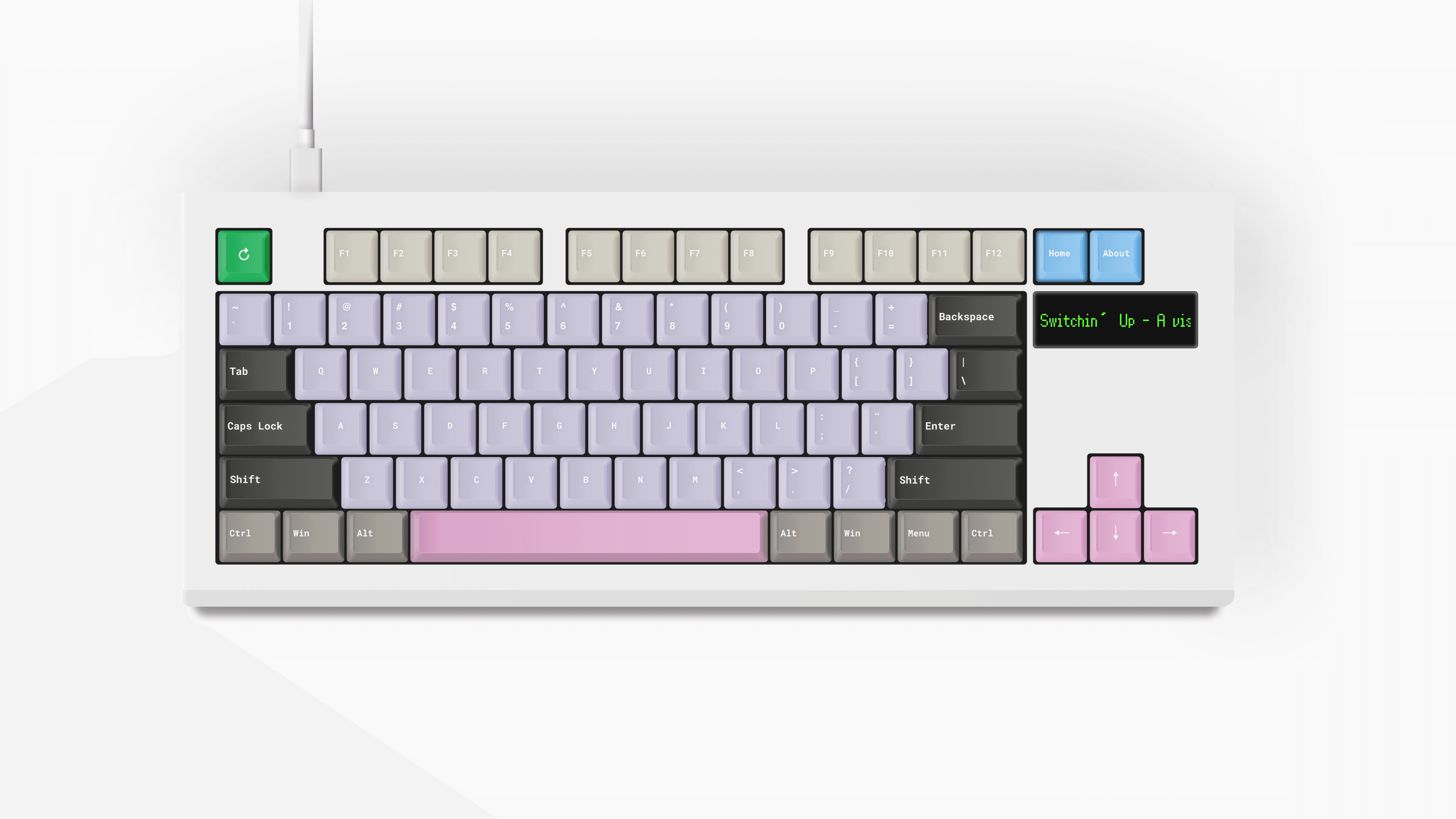
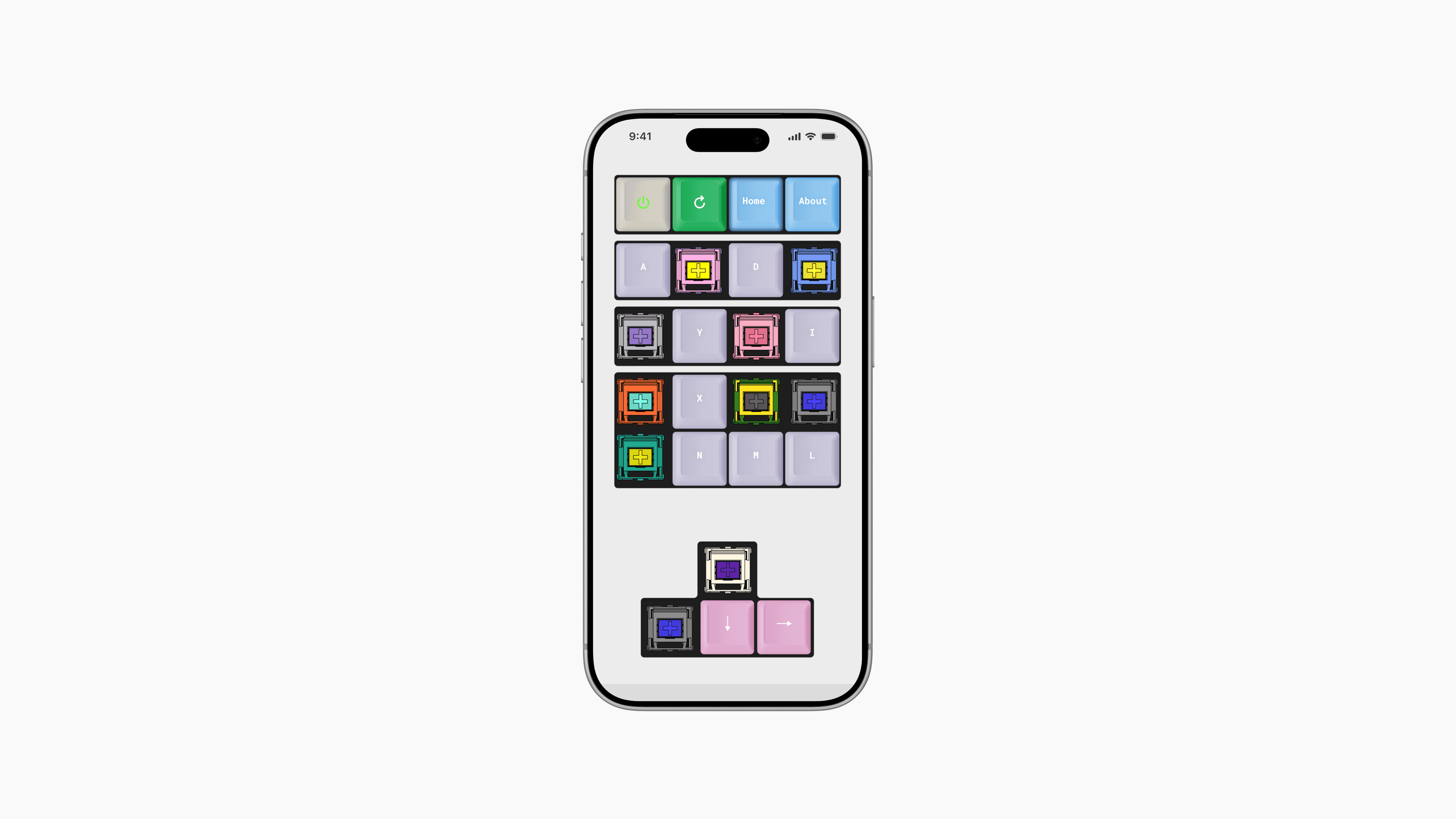
Switchin’ Up is an interactive exploration tool inspired by the world of mechanical keyboard switches. The project was designed as an experiment in interaction-driven discovery, where the keyboard itself becomes both the interface and the subject being explored. Instead of relying on traditional menus or product browsing patterns, users navigate the experience directly through keyboard interaction, turning a familiar input device into the primary discovery system.
The experience was created for both keyboard enthusiasts and newcomers alike. Mechanical keyboard culture contains a huge variety of switch types, materials, sounds, and technical specifications, but much of that information is usually presented through dense product pages and fragmented community forums. Rather than focusing purely on technical information, the goal was to create a more approachable and curiosity-driven experience that encourages exploration through interaction first, and learning second.
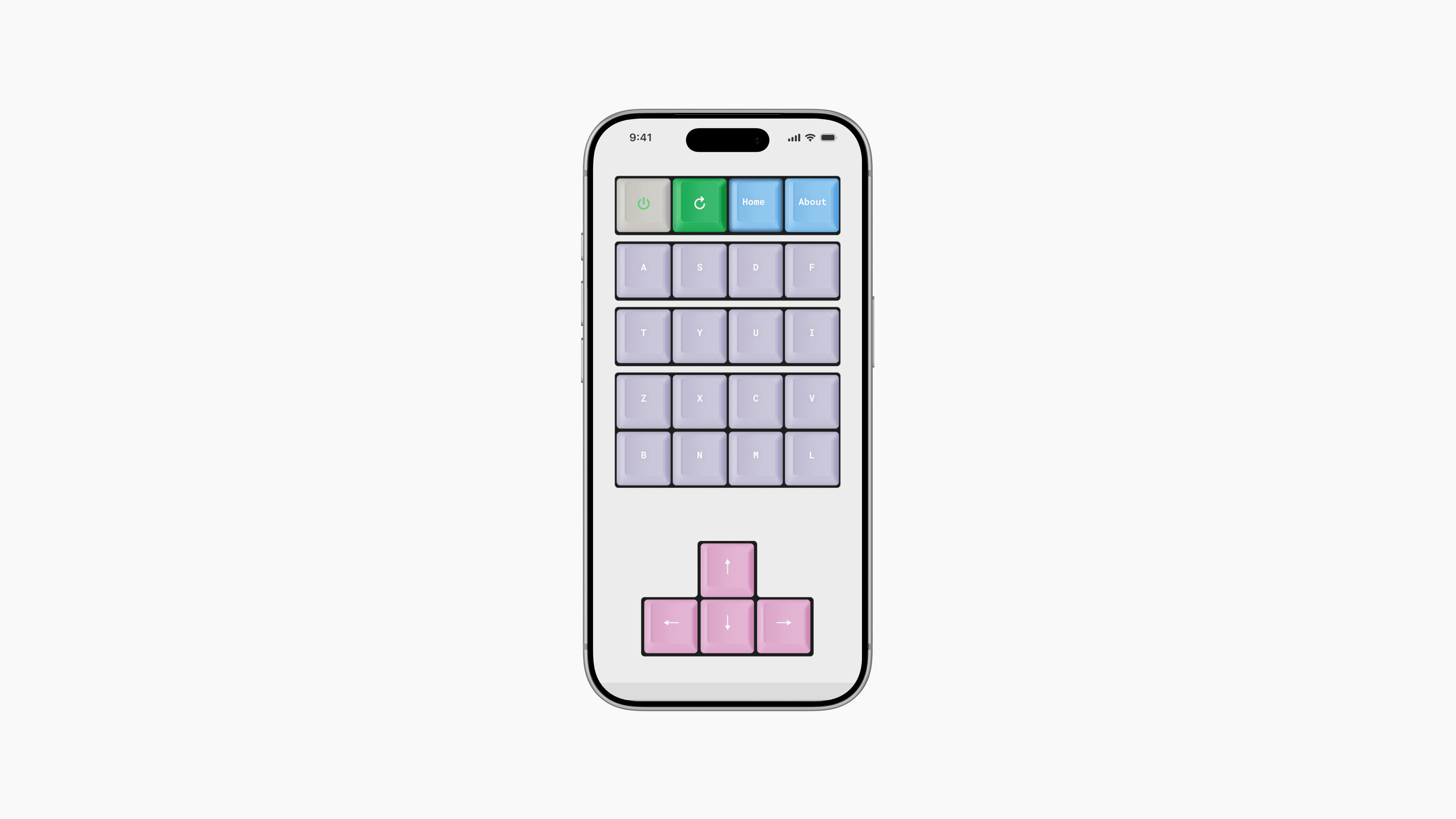
A major part of the concept centered around the relationship between physical objects and digital interfaces. The project intentionally plays with the idea of using a keyboard to explore another keyboard, especially on mobile devices where users interact with a virtual physical keyboard through touch. That contrast between tactile hardware and digital interaction became a core part of the project’s identity, helping shape both the interaction model and the visual language throughout the experience.
Interactive Discovery
The main interaction flow was designed around gradual discovery and experimentation. Instead of exposing all switches upfront, users progressively reveal different switches by typing and interacting with the keyboard itself. Pressing keys dynamically introduces new switches into the interface, transforming the keyboard into an evolving visual playground that responds directly to user input and encourages continuous exploration.
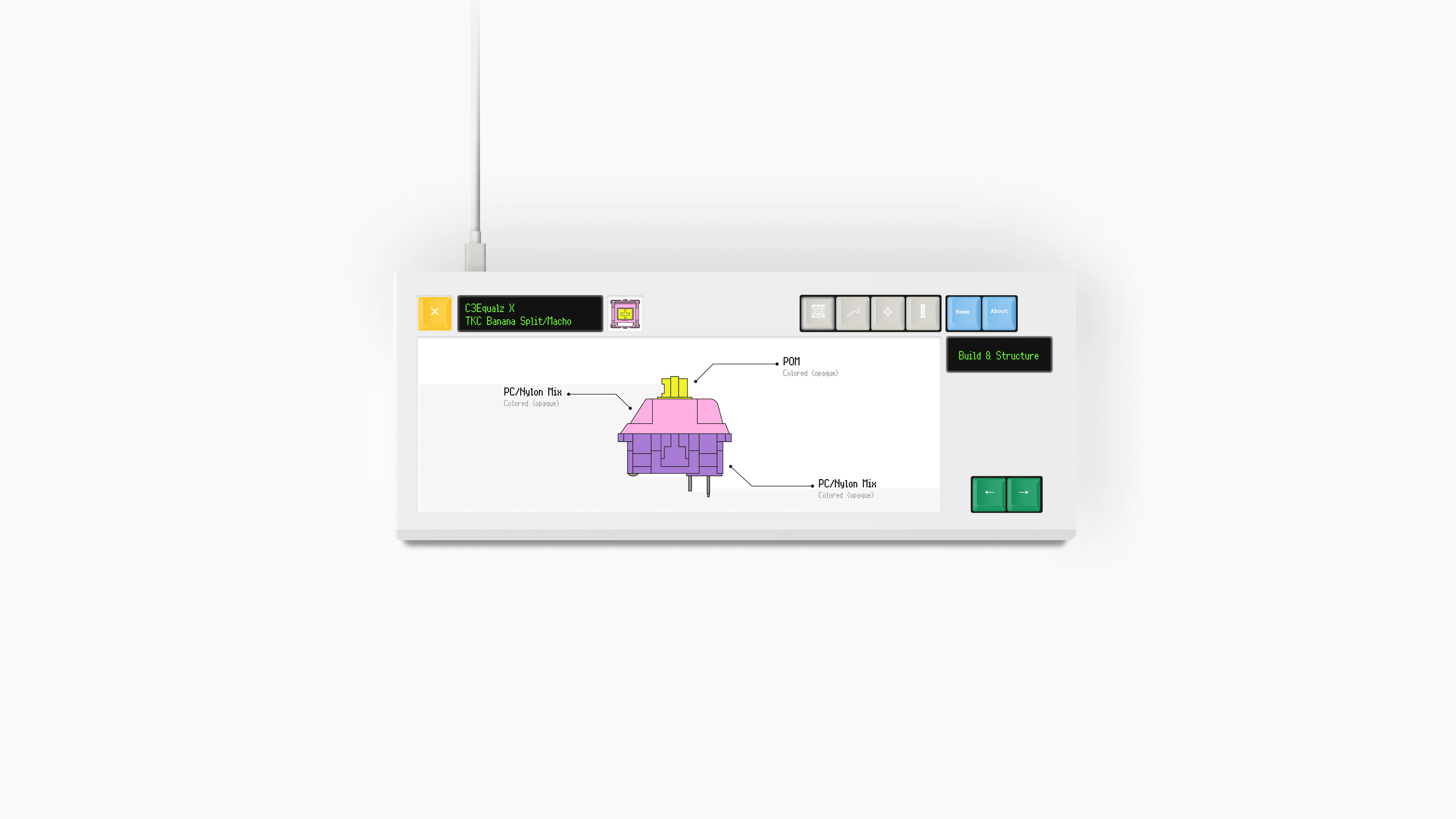
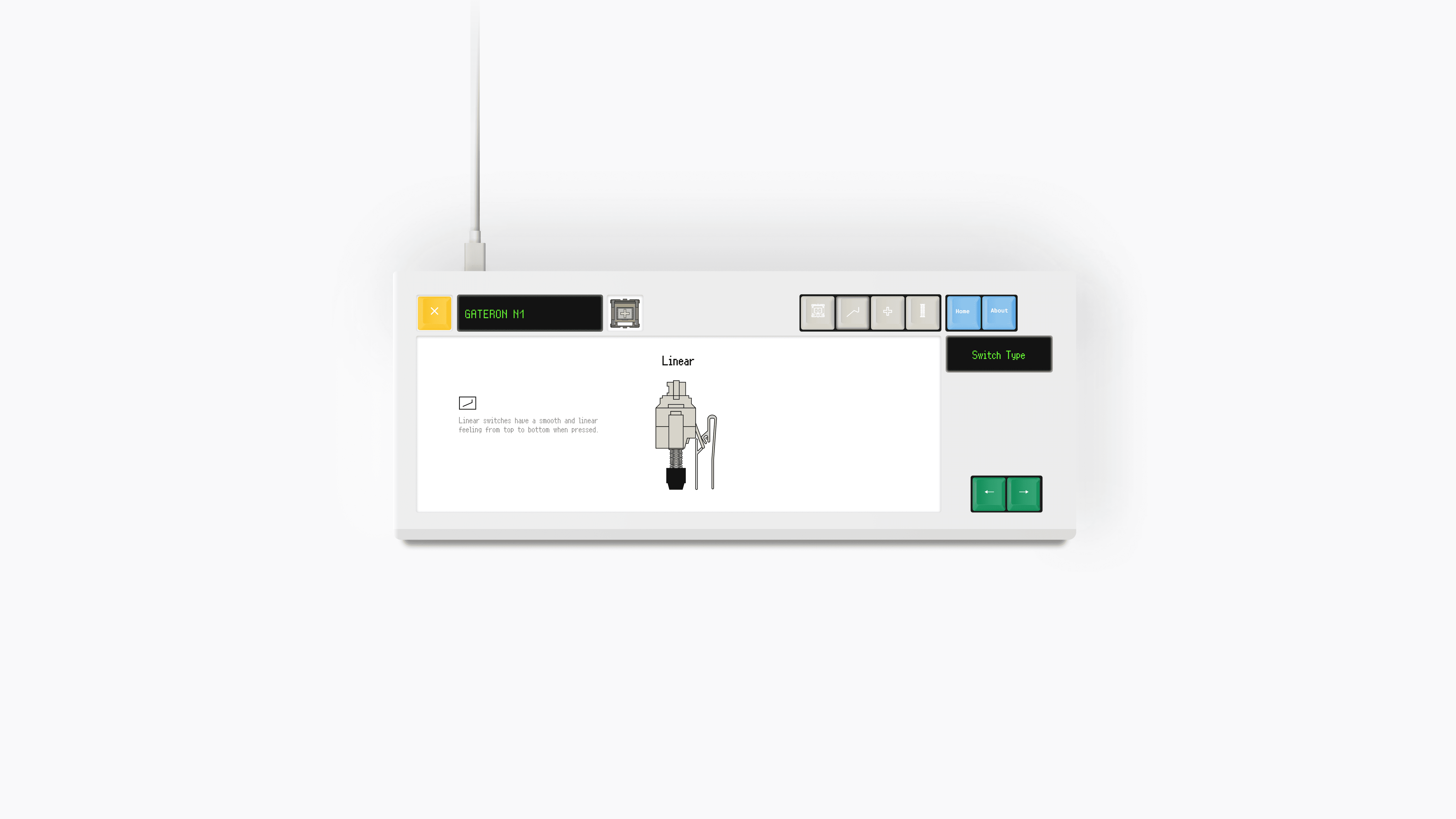
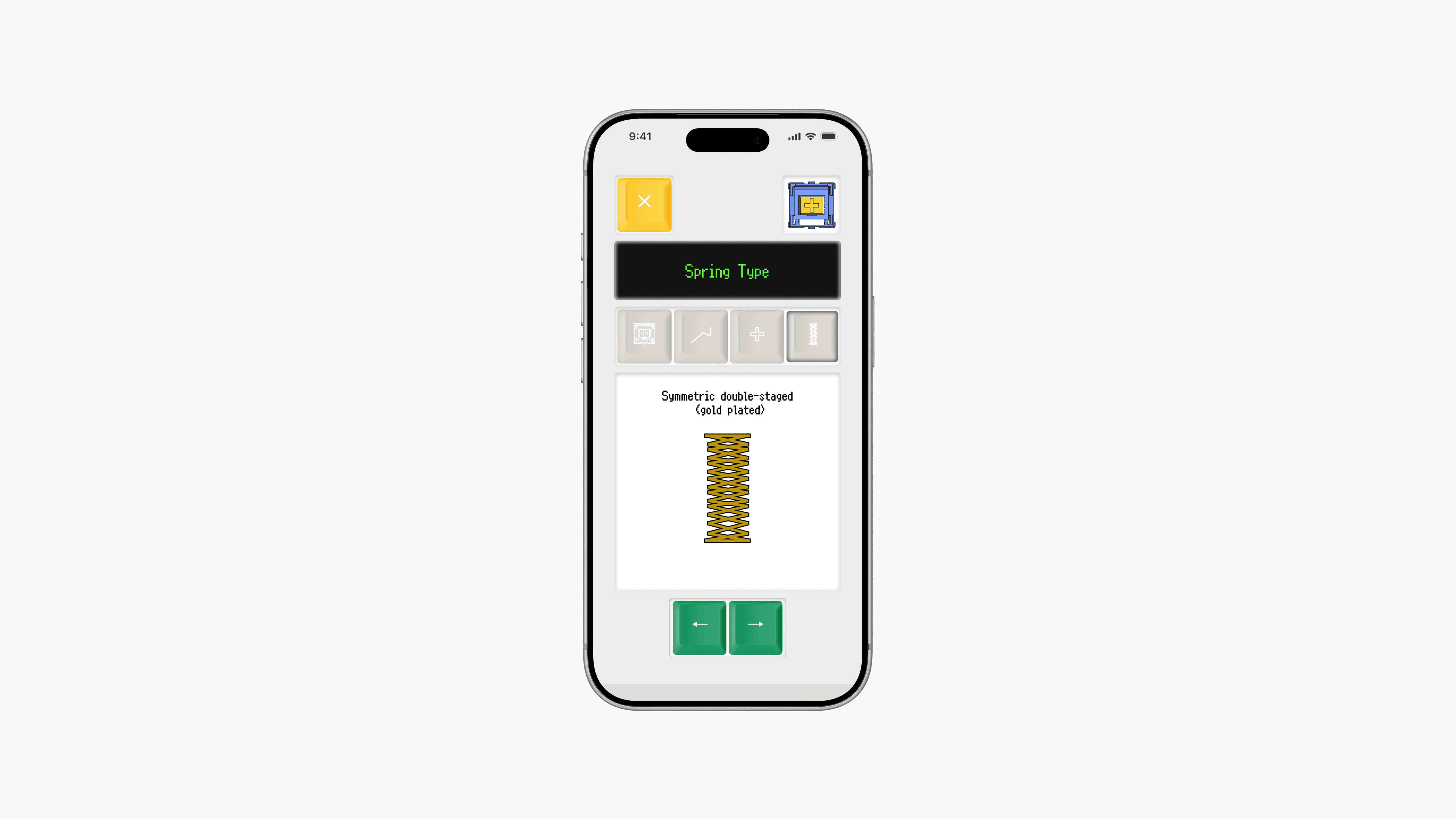
Each switch acts as an entry point into deeper layers of information, allowing users to compare characteristics such as tactile feedback, sound profile, stem construction, materials, and switch behavior. The experience intentionally shifts between playful interaction and structured learning, beginning with curiosity-driven discovery before gradually exposing more detailed technical breakdowns and comparisons. This progression helped create an experience that feels exploratory without becoming overwhelming.
Several interactive components were also designed to mimic real-world mechanical behavior. Switch structures, layered parts, and animated interactions were built to resemble physical mechanisms rather than traditional interface elements. The intention was to make the interface feel tactile and reactive, reinforcing the sensation of pressing, revealing, swapping, and inspecting components. Rather than simply presenting information, the experience focuses on making interaction itself part of the learning process.
Design Approach
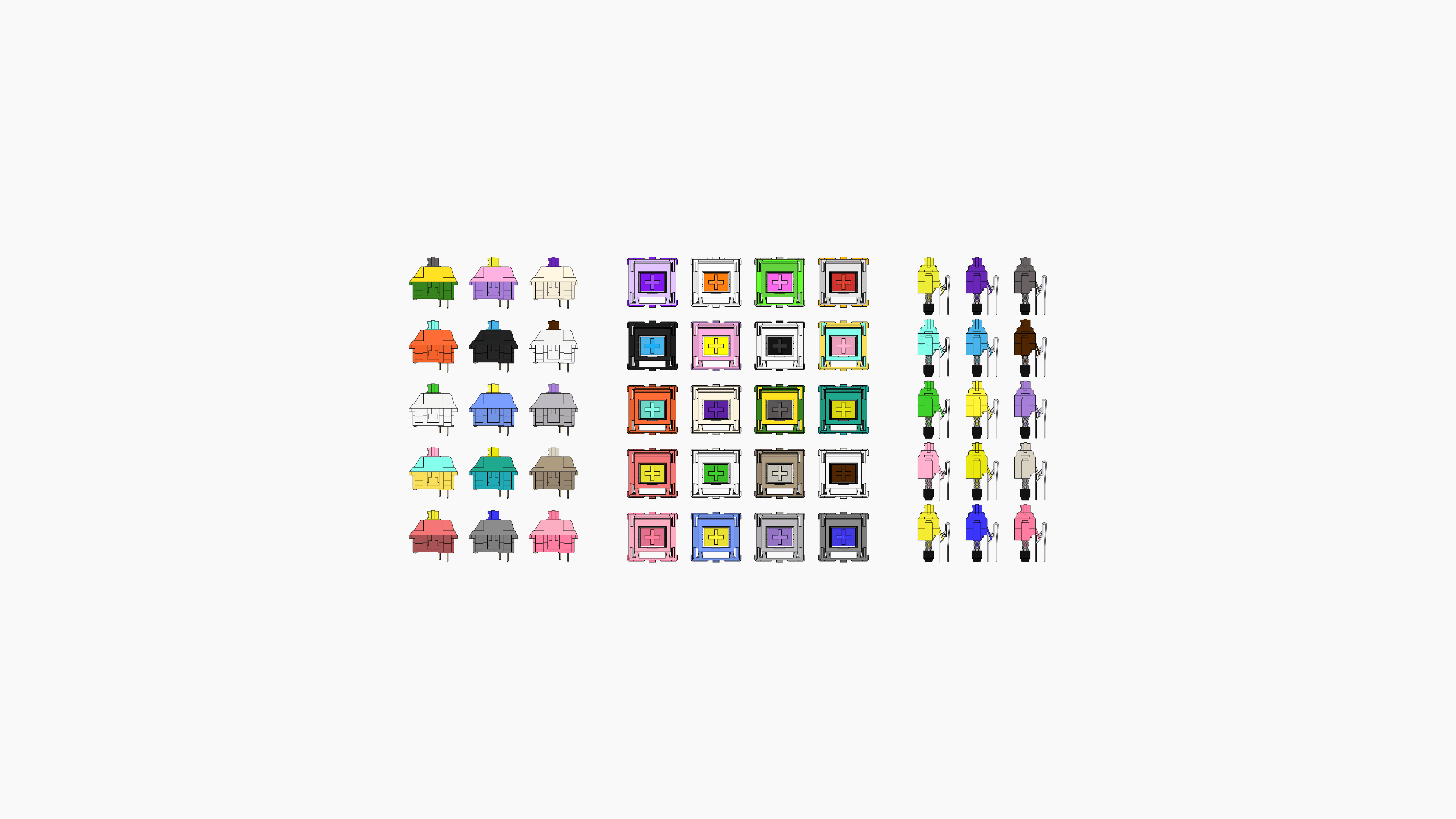
Every visual asset throughout the project was individually designed as vector artwork, including switches, keyboard layouts, components, diagrams, and interface elements. All switch specifications and characteristics were based on real-world products and data, allowing the experience to remain grounded in actual keyboard hardware while still maintaining a playful and stylized presentation. This balance between accuracy and experimentation became an important part of the project’s direction.
The visual system was designed to emphasize the diversity and collectibility within keyboard culture through exaggerated layouts, bright switch colors, oversized components, and highly tactile-inspired visuals. At the same time, the interface maintains a structured and minimal framework that keeps the experience readable and focused. The goal was to create an experience that feels expressive and playful without sacrificing clarity or usability.
Beyond showcasing keyboard switches themselves, the project became an exploration of medium-driven interaction design. Many design decisions were guided by the idea that the interface should only make sense within this specific context. The keyboard is not simply decorative, it functions simultaneously as navigation system, interaction model, storytelling device, and discovery mechanism. The result is an experience focused on curiosity, experimentation, and interaction-first exploration, while still communicating structured information in a clear and engaging way.